Kyocera Printers – Smart, Reliable & Built for Modern Workplaces
Kyocera Repair Services in Abu Dhabi - UAE
Kyocera Printers – Smart, Reliable & Built for Modern Workplaces
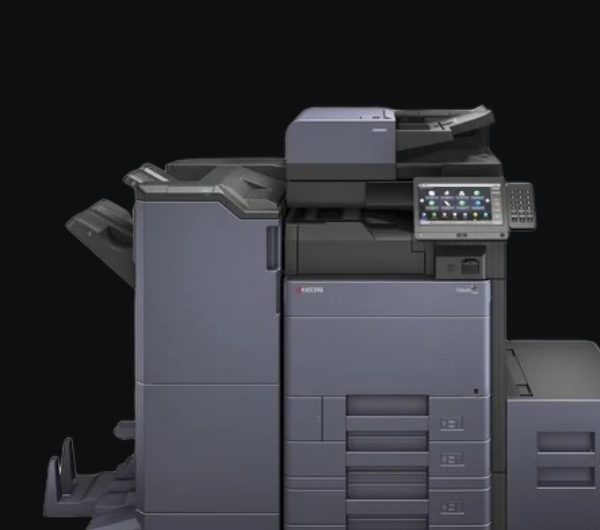
Kyocera printers are known for their long-lasting durability, low printing costs, and eco-friendly design. Engineered for high-volume environments, these printers deliver outstanding reliability and performance while keeping maintenance minimal. Whether for corporate offices, educational institutions, or commercial printing setups, Kyocera provides crisp, consistent, and high-speed printing for every business need.
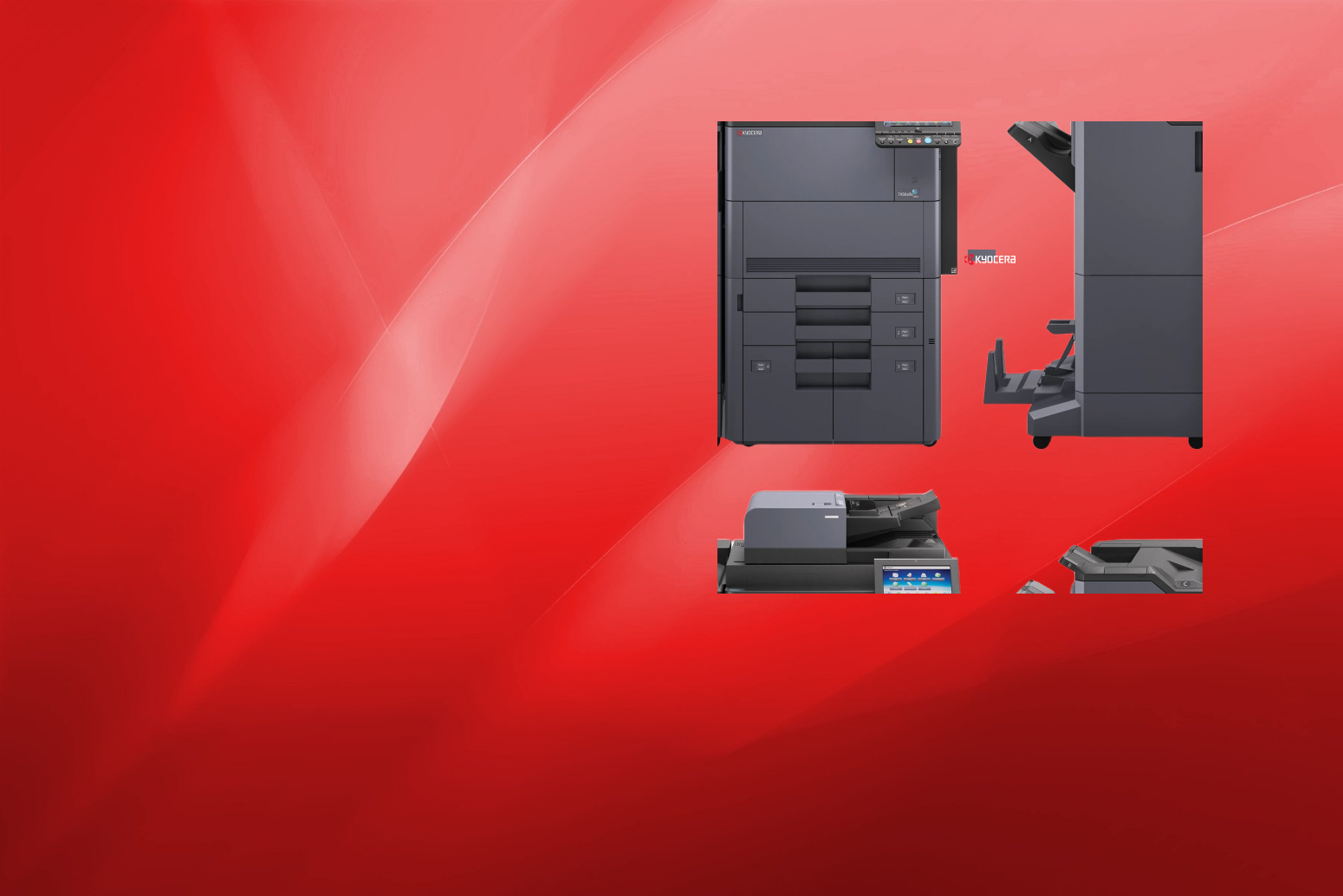
At Adam’s Automation, we offer a full range of Kyocera printers and multifunction devices designed to enhance productivity and reduce operational costs. From compact desktop models to heavy-duty office printers, we help you choose the perfect solution for your workflow. Our expert team provides installation, setup, and after-sales support to ensure your Kyocera printer runs efficiently — offering sustainable printing solutions that combine power, precision, and performance.
Kyocera Printer Maintenance Tips for Long-Lasting Performance
To keep your Kyocera printer performing at its best, regular maintenance is essential. Start by keeping your printer clean—dust and debris can easily cause paper jams or streaks on printed pages. Wipe down the exterior and gently clean the paper tray and rollers to ensure smooth operation. Always use genuine Kyocera toner cartridges and spare parts, as they are designed to deliver consistent quality while protecting your printer from internal wear and tear.
It’s also important to update your printer’s firmware periodically. These updates often include performance improvements and fixes that help your device run more efficiently. Make sure your printer is placed in a well-ventilated area to prevent overheating, especially during continuous printing sessions. Scheduling routine servicing with a qualified technician is another smart step—professional cleaning and inspection help detect potential issues before they lead to downtime. Finally, handle paper correctly by using the recommended paper type and avoiding overfilled trays. With proper care and attention, your Kyocera printer will continue to deliver sharp, reliable prints for years.
Regular Cleaning
Keep your Kyocera printer dust-free and clean the rollers, trays, and exterior regularly to prevent jams and maintain smooth operation.
Use Genuine Toner & Supplies
Always use original Kyocera toner and parts to ensure consistent print quality and avoid damaging the printer’s internal components.
Check for Firmware Updates
Updating your printer’s firmware improves performance, fixes bugs, and ensures compatibility with your devices and network.
Prevent Overheating
Ensure proper ventilation around your printer and avoid continuous heavy-duty printing without breaks to maintain optimal performance.
Scheduled Maintenance
Implement routine servicing by a professional technician to inspect internal components, lubricate moving parts, and address minor issues before they escalate.
Proper Paper Handling
Use the correct paper type and size recommended for your Kyocera printer, and avoid overloading trays to prevent jams and wear.
Exceptional Durability: Kyocera printers are built with long-life components, ensuring years of reliable, low-maintenance performance.
Eco-Friendly Technology: Kyocera’s energy-efficient design and low-waste toner help reduce both printing costs and environmental impact.
High-Speed, High-Quality Output: Kyocera printers deliver fast, crisp, and professional-quality prints for uninterrupted productivity.
Low Printing Costs: Kyocera’s advanced toner systems and durable parts significantly reduce the total cost of ownership.
Seamless Connectivity: Kyocera printers support Wi-Fi, LAN, and mobile printing, enabling effortless use across multiple devices.
Smart Document Solutions: Many Kyocera models include intelligent workflow and secure document management features for smooth office operations.
Kyocera Printer Repair Services in Abu Dhabi, Dubai & Al Ain
If your Kyocera printer is showing errors, printing slowly, or not delivering the same quality it once did, our expert technicians are here to help. We specialize in professional Kyocera printer repair services across Abu Dhabi, Dubai, and Al Ain, ensuring fast and reliable solutions for both home and office users. From fixing paper jams and connectivity problems to replacing worn-out components, our team provides complete repair and maintenance support using genuine Kyocera parts. Whether you own a multifunction Kyocera printer or a heavy-duty office model, we diagnose issues accurately and restore performance with minimal downtime. Our goal is to help you get back to printing efficiently — without interruptions. With quick service response, affordable pricing, and expert assistance, we’ve become a trusted choice for Kyocera printer repairs in the UAE.
Sub Title
Our Services Locations
We Serve Kyocera Printer Repair Services Across Dubai, UAE
Kyocera Printer Repair Service Dubai
Kyocera Printer Repair Service Abu Dhabi
Kyocera Printer Repair Service Al Ain
Have Any Questions?
We've got answers
Yes, we provide Sharp printer repair and maintenance services across Abu Dhabi, Dubai, and Al Ain with both on-site and workshop support options.
We service all models, including laser printers, multifunction devices (MFPs), and wide-format printers used in offices and commercial setups.
Yes, we only use original Sharp parts and consumables to ensure long-term performance and quality.
Most common issues are fixed within 24 to 48 hours, depending on the complexity and availability of parts.
Absolutely. We provide Annual Maintenance Contracts (AMC) and preventive maintenance services to ensure your printers perform smoothly without unexpected breakdowns.
Frequent issues include paper jams, faded prints, scanner errors, slow printing, and connectivity or driver problems.
You can reach out through our website or call our service line, and our team will promptly arrange a technician visit at your convenience.